Моя корзина

Mini Cart

питание

Our питание 3D models are available for download containing elements and details of питание 3D models. To buy or download free питание 3D models, browse the categories or search. You can use these 3D models for animation,games or 3D Vlz. -some of them are rigged and low poly to serve VR/AR project needs. питание 3D models are available in file formats such as FBX, 3DS Max, Revit, AutoCAD, Solidworks, Maya, Sketchup, Blender and more.

Сетка Список

Элементы 1-30 из 76

Задать направление по убыванию
  1. large sized pear 3d model .dwg format
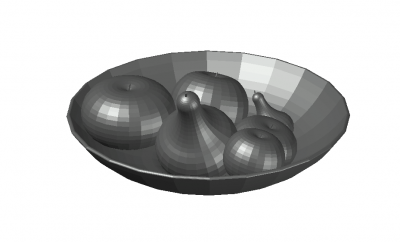
  2. fruit bowl with a small size 3d model .dwg format
  3. fruit bowl with a simple look 3d model .dwg
  4. fruit bowl designed with a small basket 3d model .dwg format
  5. Tomato fruit 3d model .dwg format
  6. Small scalled fruit bowl 3d model .dwg format
  7. moderate sized fruit bowl 3d moodel .dwg format
  8. fruit bowl with a small size 3d model .dwg format
  9. fruit bowl with a simple look 3d model .dwg
  10. moderate sized fruit bowl 3d moodel .dwg format
  11. Medium sized designed fruit bowl 3d model .dwg format
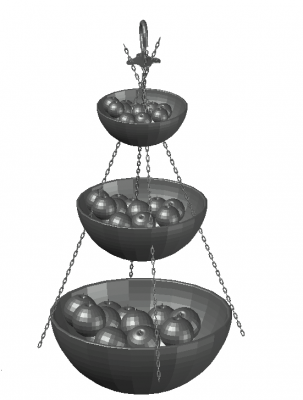
  12. Large scaled designed fruit bowl 3d model .dwg format
  13. fruit bowl with a simple look 3d model .dwg
  14. fruit bowl designed with a small basket 3d model .dwg format
  15. Small scalled fruit bowl 3d model .dwg format
  16. moderate sized fruit bowl 3d moodel .dwg format
  17. Medium sized designed fruit bowl 3d model .dwg format
  18. Large scaled designed fruit bowl 3d model .dwg format
  19. fruit bowl with a small size 3d model .dwg format
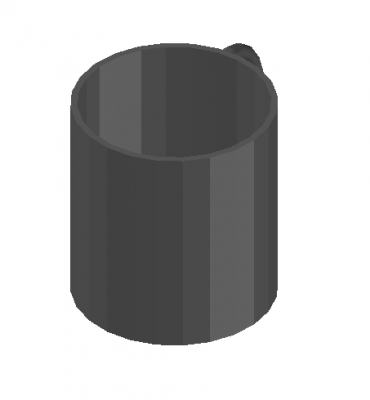
  20. Modern designed mug 3d model .dwg format
  21. Simple designed mug 3d model .dwg format
  22. Medium sized mug designed 3d model .dwg format
  23. Mug with a modern look 3d model .dwg format
  24. Mug with simple look 3d model .dwg format
  25. Simple designed mug 3d model .dwg format
  26. Modern large designed mug 3d model .dwg format
  27. Modern designed mug 3d model .dwg format
  28. Medium sized mug designed 3d model .dwg format
Сетка Список

Элементы 1-30 из 76

Задать направление по убыванию

TOP CAD MODELS